
There's a message coming. "We'd have to go to the pharmacy. Another follows. "Who can be here tonight? Then someone believes that the evening take has already been checked, while no one really took the info back. This type of floating is nothing unusual in a family that coordinates a relative at home. The real cost is not just the task itself. It's the lost time to restart, cross-check, check and ask again.
This is where a shared task application becomes useful. Not to add a layer of theoretical organization, but to remove the most usable question of everyday life: "who is dealing with it?". When a task is assigned, dated, visible to all and followed with a simple status, coordination becomes more readable. The statutes that really matter are rarely more complex than to do, in progress and completed. On the priority side, normal or high often suffices much better than a filter system too loaded.
This comparison is right to the point. I have selected 10 tools based on a home care-oriented grid: visibility of actions, assigned deadlines, priorities, notifications, roles, security and offline operation. Tribulys serves as a reference point here because it is designed for coordination between caregivers and stakeholders, but this is not the only relevant option. Some families will mostly need a shared calendar. Others will first look for a timed diary, better traceability or differentiated access between relatives and professionals.
Contents
- 1. Tribulys
- 2. FamilyWall
- 3. Looping
- 4. Todoist
- 5. Microsoft To Do
- 6. TickTick
- 7. Any.do
- 8. Trello
- 9. Concept
- 10. Remember The Milk
- Comparison: 10 shared task apps
- Choosing the tool that holds in real life
1. Tribulys
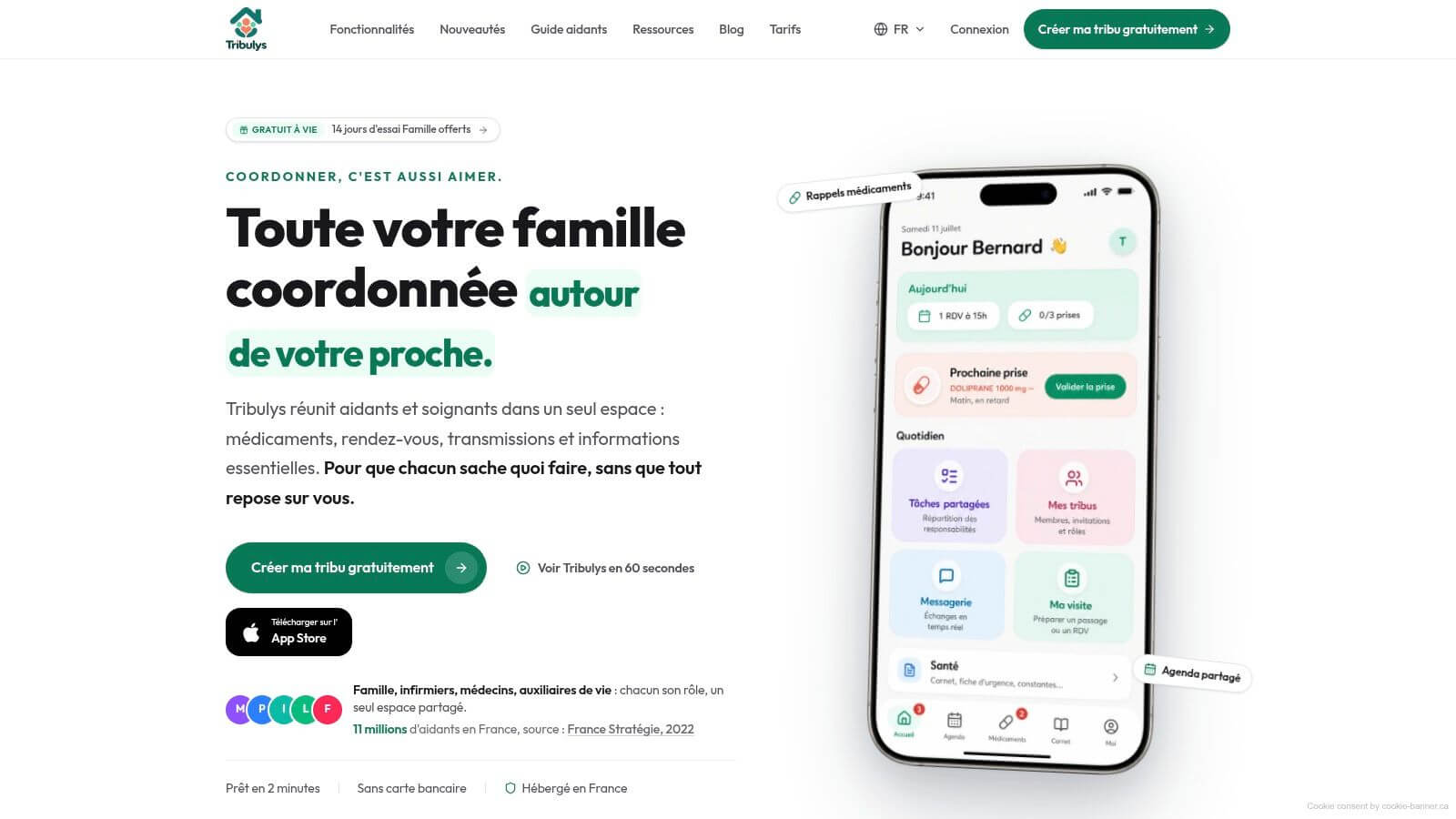
A relative has to take treatment in the evening, an auxiliary is scheduled at 6 p.m., and the family wants to know if the doctor's instructions have been given. In this type of coordination, a simple list of tasks shows its limits quickly. You have to see the action, know who takes it, find out what has been done and limit grey areas between relatives and professionals.
Tribulys is precisely from this framework of use. The application was designed for family caregivers and home care workers, with a structure that highlights the time book, transmissions, drugs, schedule and access rights according to the role. This choice produces a fairly clear result in our comparison grid. The task is not isolated as in a classic productivity tool. It continues to be linked to the care environment, history, and individuals authorized to view or modify the information.
In concrete terms, the tool brings together assigned tasks, shared calendar, signed care journal, medical documents, private messaging and follow-up of medicines with reminders. The roles are differentiated, with profiles of family, nurse, doctor or auxiliary type. For a home where several actors relay, this separation counts as much as the creation of a task itself. It reduces the ambiguities on what each can view or transmit. The data are announced as hosted in France, with GDPR compliance and HDS infrastructure.
What the application really does for coordination
The most useful point is not the amount of functions. It is the continuity between action, maturity and trace.
A task assigned with a date answers a simple question, but often poorly covered in generalist tools: who does what, and when? In a context of home care, this precision avoids less individual forgetfulness than a collective blur. An oral instruction can circulate. A task assigned, dated and visible by the right people follows much better.
Tribulys is therefore more convincing than to-do-list-only applications when coordination is based on frequent relays. A remote helper can open the application and check what has been done without reviving the whole family. A professional can consult the recent history before his visit and avoid resting on questions already dealt with. To more precisely situate this type of use, the resource on a application for family caregivers clearly specify the needs covered.
Compromises to have in mind
The free offer remains limited in number of members and functions, while the fee formula opens up advanced usages and invitations at no extra cost to other participants. This model has at least one merit. It is legible. In a family setting, know who pays and what the subscription unlocks avoids some hesitations at the time of choice.
Off-connection exists, but on a partial perimeter, especially for My visit and the notebook. It's an important point in our grid. For households where the connection is irregular, Tribulys covers the most sensitive uses, without offering however a totally independent off-line experience on the entire application.
- Good choice if You coordinate care or home visits with several family members and caregivers.
- Distinctive strong point : tasks remain integrated into a transmission, role and monitoring environment.
- Actual limit If you need simple lists of family members, the tool may seem more structured than necessary.
Official site: Tribulys
2. FamilyWall
FamilyWall starts from another use. Here, we are clearly in the Francophone family organizer: common calendar, shopping lists, tasks to check, meal planning, family wall and private geolocation. For a family that mainly coordinates the logistics of the home around a loved one, it is often more natural than a project tool.
Its real interest lies in the unified view. When appointments, races and small tasks live in the same place, dispersal is limited. This is often sufficient if coordination remains largely domestic and if outside actors do not need a structured transmission log.
Where it works well, and where it shows its limits
FamilyWall fits well when the dominant question is "how to keep the whole family aligned?". It becomes less convincing when it comes to integrating professionals, hijacking passages or clearly distinguishing what everyone can see according to their role.
The choice between a family calendar and a more oriented care tool depends above all on the level of relays to be managed. If you still hesitate on this point, this guide on free shared calendar for the family helps clarify the real need.
- Good choice if First, you want to synchronize the daily life of a home.
- Less suitable if : you must trace care, passages or transmissions.
- Tariff exemptions Some advanced functions depend on the formulas available in the application.
Official site: FamilyWall
3. Looping
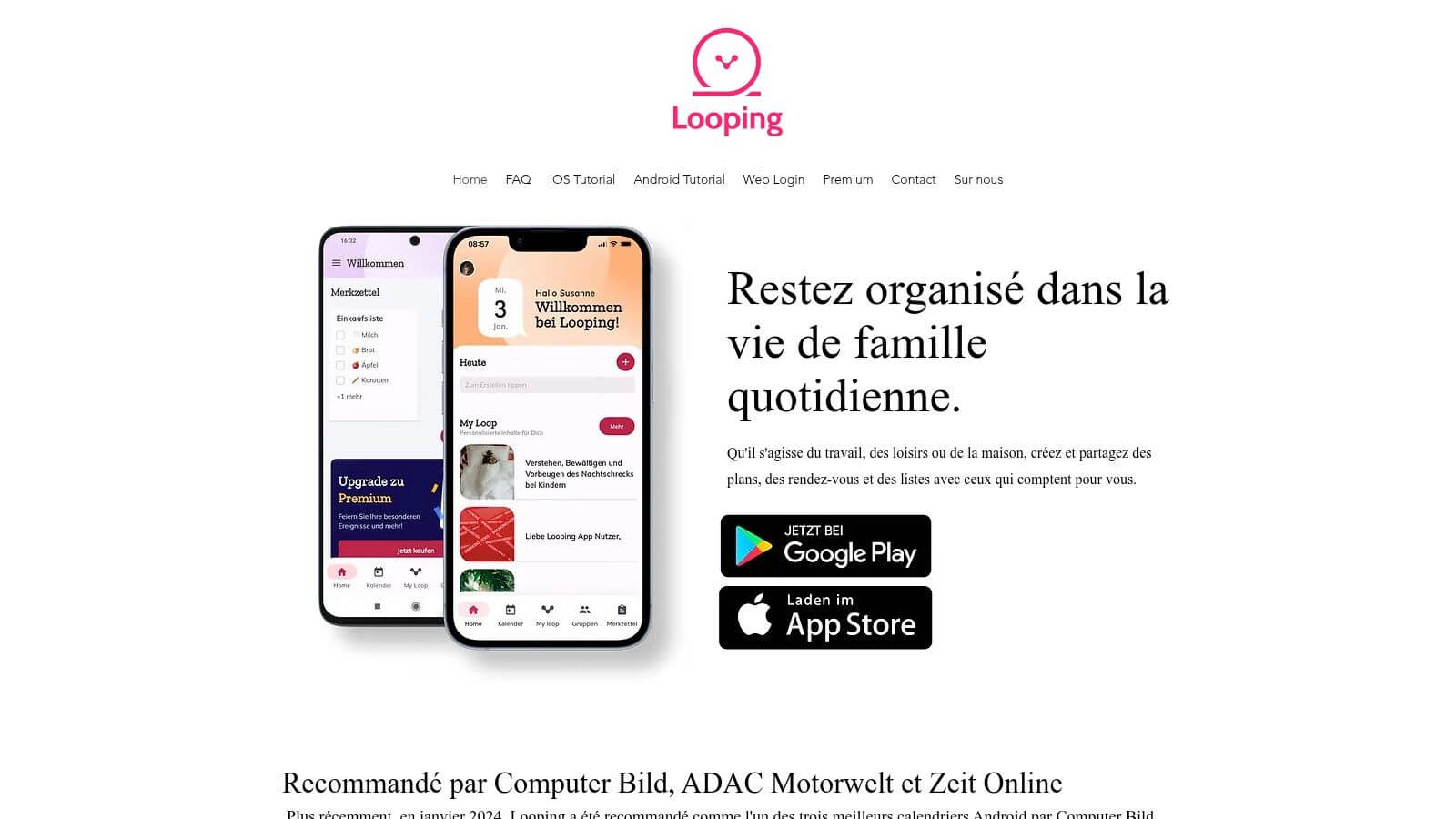
Looping focuses on simplicity. The app offers a shared calendar for the family or other groups, collaborative lists, tasks to check, notifications and reminders, with interface in French on mobile. For a very daily use, it is a coherent positioning: little friction, quick grip, little overlay effects.
This simplicity has a clear advantage in situations of mental stress. A family that is already unable to keep up with its exchanges does not necessarily need a filter factory. Above all, it needs a unique place where you can see what remains to be done.
The Good Practice Scenario
Looping works well when the coordination is based first on the schedule of time. Switching to the doctor, visiting a relative, shopping to do, documents to bring. All this fits easily into a tool that thinks schedule before thinking process.
The easier the tool is, the more likely it is to be used by the whole family. In home coordination, the perfect but ignored application is less than a clear list open every day.
Its limit appears as soon as it needs traceability or a logic of multiple stakeholders. If your main problem is less the agenda than the relay between several caregivers, you can compare this model with a shared calendar family thought in a wider logic of coordination.
Official site: Looping
4. Todoist
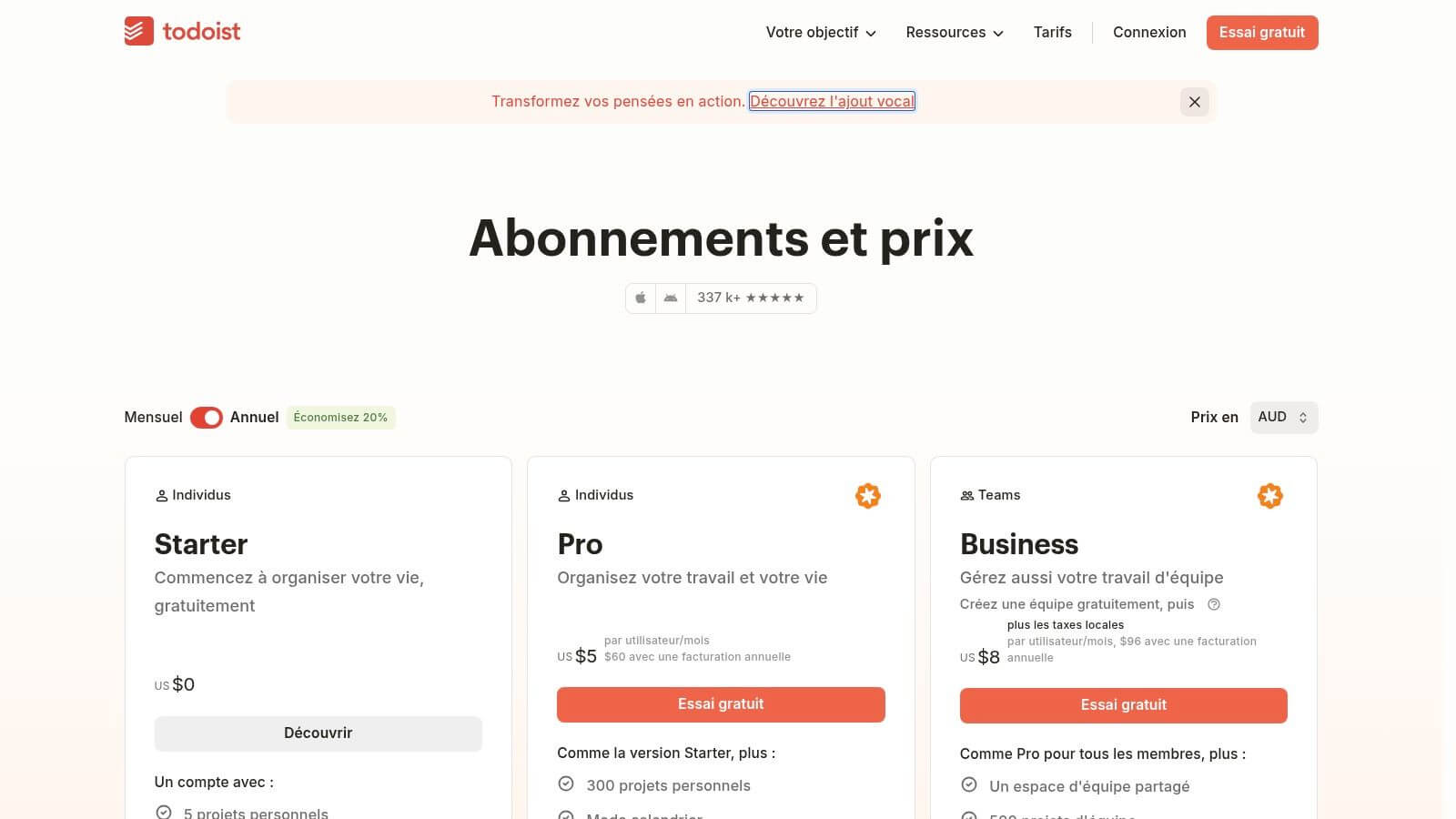
Todoist remains a reference when looking for a multi-purpose shared task application. Shared projects, assignments, sub-tasks, recurring deadlines, priorities, list views, table views or calendar, plus a large number of integrations. Functionally, this is one of the most balanced tools for groups that want more than just a checklist.
In a context of home care, Todoist has a clear merit: it forces the actions to be formulated. A task assigned with date and priority quickly becomes clearer than a WhatsApp exchange or a thread of family messages.
What it really brings to coordination
Todoist is particularly useful if your difficulty is due to the lack of follow-up, routines and recurrences. Control a prescription to renew, think about confirming an appointment, distribute visits within a week. The tool is doing well on this repetitive subject.
On the other hand, it is not thought natively for the safety of the course of care. There is not the business logic of a care journal, an emergency record or confirmation of drug intakes in the same environment. If your need is centered on drugs, a doctor will be able to use the medicine. application not to forget its medicines meets a different level of requirement than the simple dated task.
- Main asset : very good management of assignments and deadlines.
- Secondary benefit : many integrations for those who already live in a loaded digital ecosystem.
- Concrete limit : Some advanced functions useful in sharing remain fee-paying.
Official site: Todoist
5. Microsoft To Do
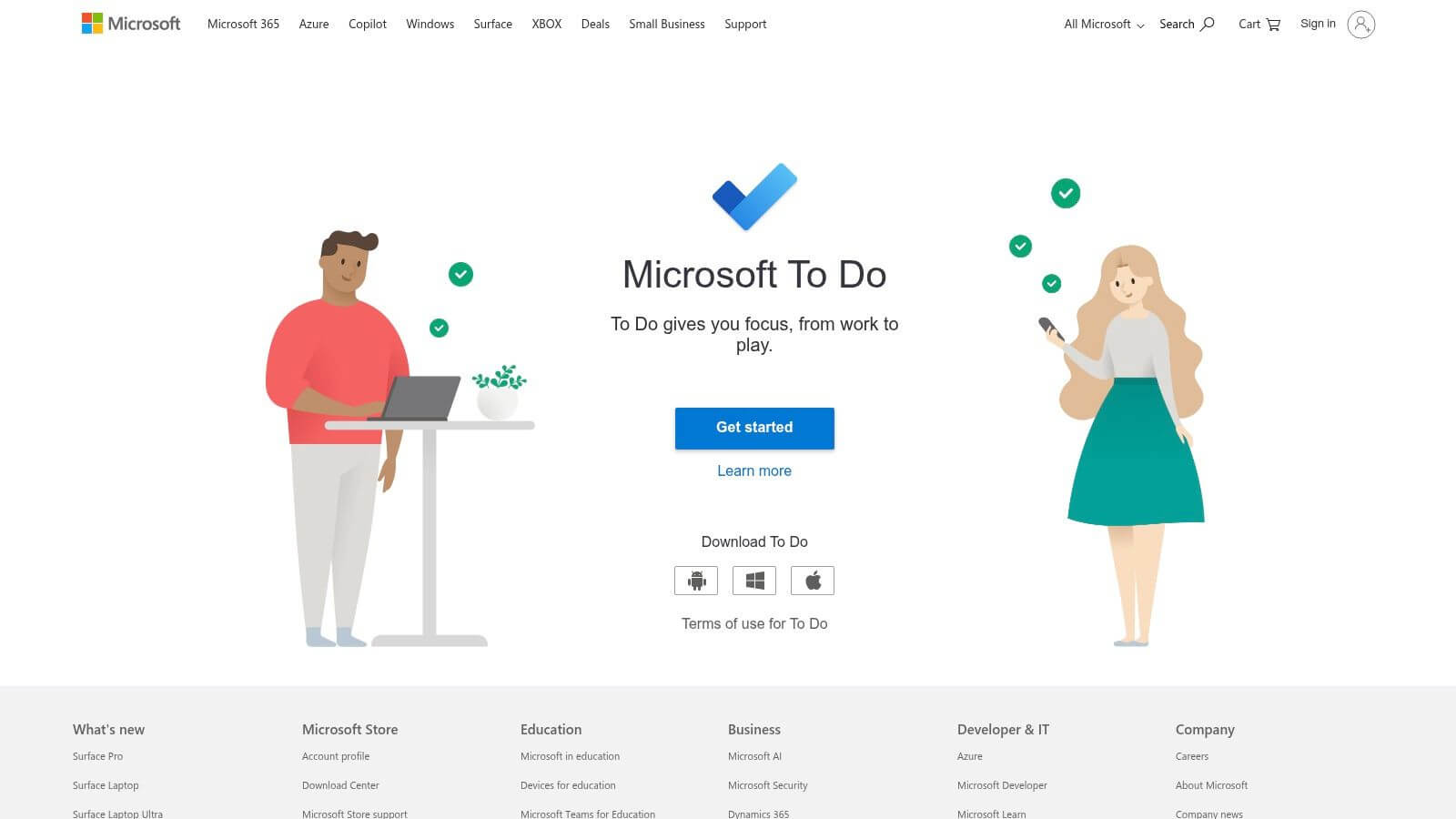
Microsoft To Do is often underestimated because it seems too simple. Yet, for a family that is already equipped with Outlook or for speakers who are working around Microsoft 365, it is a serious option. Sharing lists, reminders, deadlines and steps are largely enough to structure a large number of daily relays.
Its strength is not originality. It is continuity with the Microsoft ecosystem. If the people concerned are already opening Outlook or Teams, add To Do takes less effort than introducing a new tool.
Where he stops
Microsoft To Do is well suited to simple shared lists. It is less comfortable if you need richer views, more advanced automation or fine separation of roles. Sharing exists, but we remain in the general to-do logic, not in a frame designed for home transmissions.
It is often a good starting choice to test a field of practice. If the family is not already able to keep a simple shared list, moving immediately to a more specialized tool does not solve the background problem.
Official site: Microsoft To Do
6. TickTick
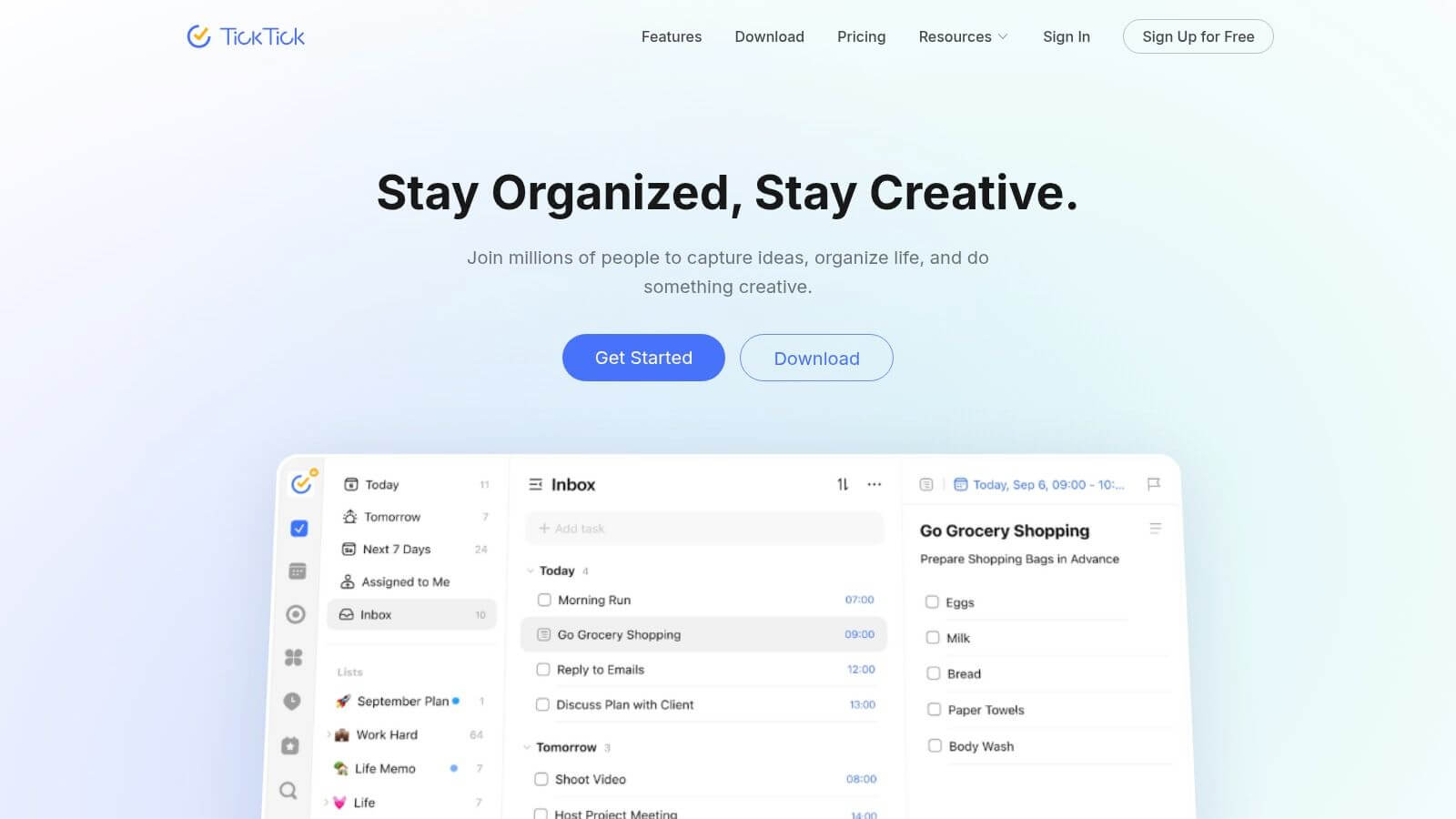
TickTick occupies an interesting intermediate place. The application combines lists and shared projects, integrated calendar, subtasks, checklists, followed by habits and timer Pomodoro. This mix pleases those who want a dense but still readable tool.
For highly organized caregivers, TickTick can work well on the routine part. Lift repetitive actions, visualize the week, coexist one-off tasks and recurring gestures. It is useful when the home is based on a mechanic of small regular actions.
True TickTick Arbitration
The problem is not the functional richness. It is the boundary between advanced personal use and collective coordination. TickTick thinks first individual productivity, then collaboration. In a helping binome, it can suffice. In a tribe with several relatives and stakeholders, the balance becomes less obvious.
Attention: The more additional functions a tool adds, the more it is necessary to check that the shared list remains visible from the opening. Otherwise, coordination goes after personal productivity.
Its integrated calendar is a real plus for those who want to see everything in the same place. Its limits on the free version and some Premium collaborative features, on the other hand, require testing before adopting as a group.
Official site: TickTick
7. Any.do
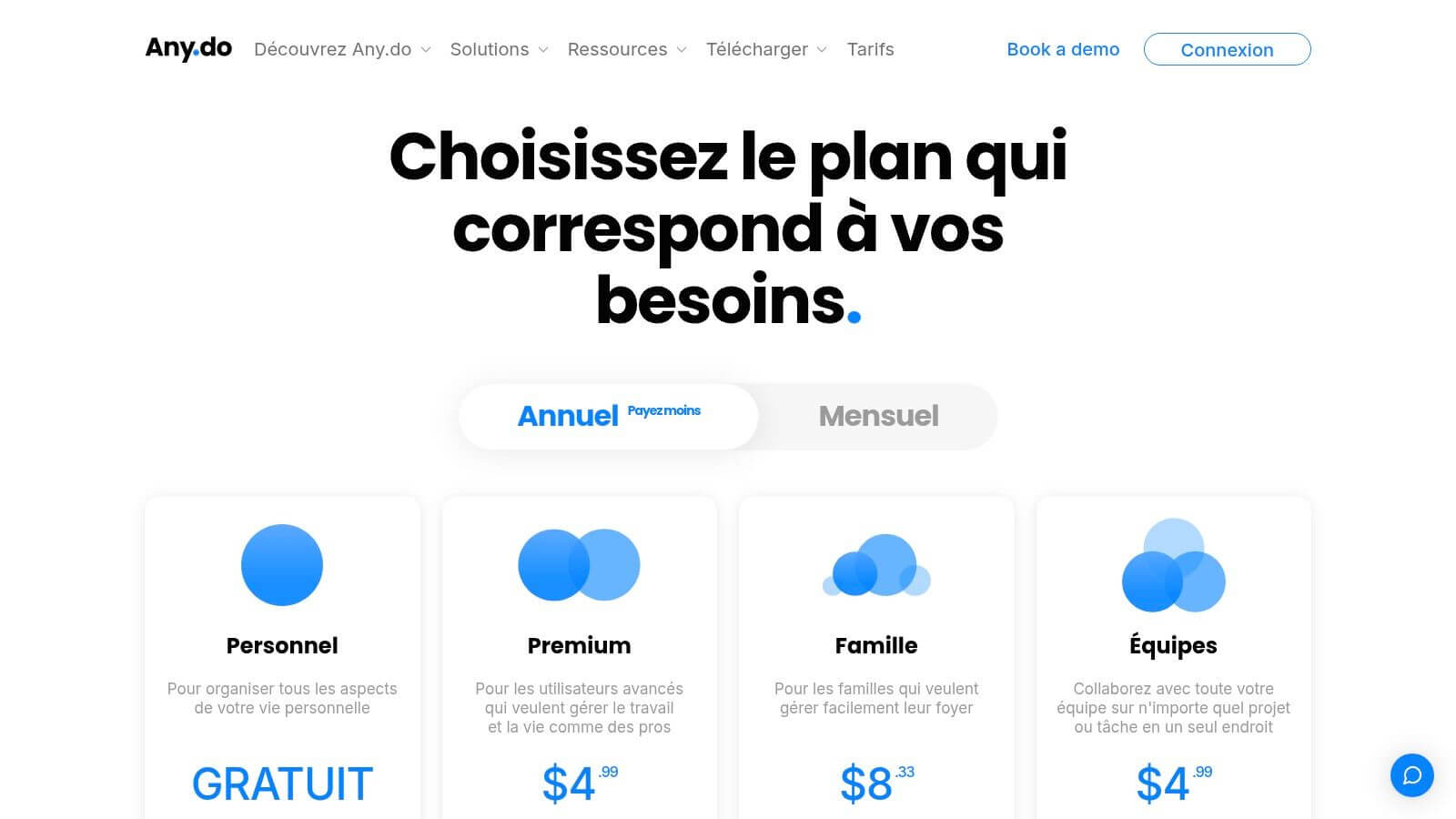
Any.do speaks a general public language. The application combines tasks, schedule, list sharing, family projects and advanced reminders, with a dedicated Family plan. It feels that the goal is not to manage a heavy project, but to keep common obligations together.
This positioning is quite suitable for families who juggle between appointments, races, presence and small follow-up actions. The tool offers a rather direct experience, less intimidating than some more modular platforms.
What you need to look closely at
Any.do is relevant if the coordination cell remains small and needs revolve around an expanded focus. It is less convincing when it comes to articulating documents, transmissions and differentiated sharing of sensitive information.
Its Family plan can be attractive on paper, but you have to check in detail what is actually included on your devices and in your area, especially since the prices displayed in dollars go through the blinds. For domestic use, however, it remains a flexible option.
- Suitable for : a family that wants to align tasks and calendar.
- Less suitable for An organization with professionals and the need for clinical traceability.
- To be tested first : the quality of the reminders and the ease of assignment.
Official site: Any.do
8. Trello
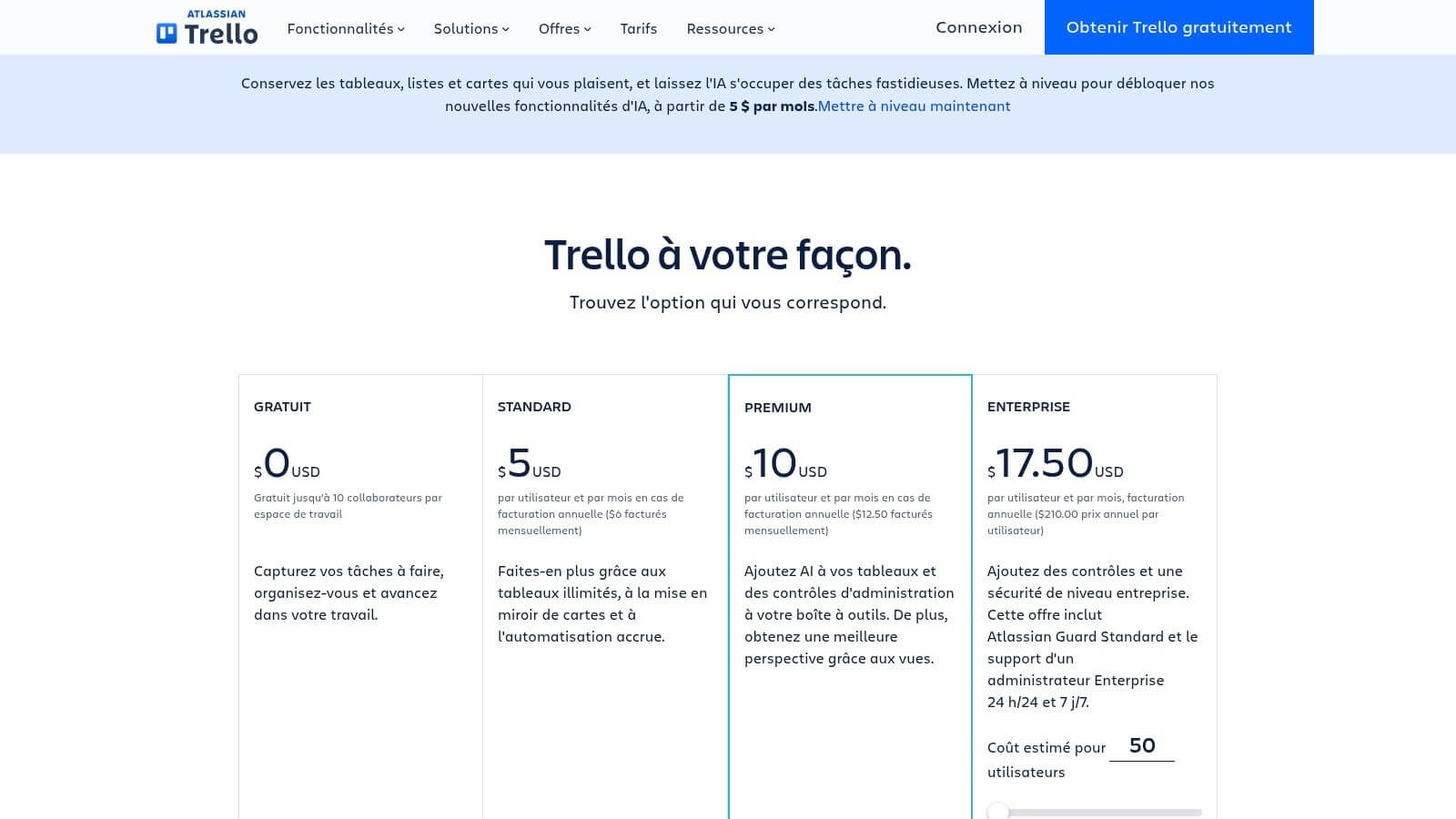
Trello is not first of all a to-do list. It is a visual picture. This difference counts a lot. If your coordination actually looks like a small workflow, with steps, managers, attachments and deadlines, Trello can be clearer than a simple list.
In a home setting, one can imagine columns of the type "to do", "in progress", "made", or a separation by theme: appointment, administrative, shopping, equipment, passages. Visually, it is often very talkative.
When Trello gets too heavy
The problem is also its strength. For a simple follow-up of shared tasks, the Trello card requires more clicks than a checkbox. If the family does not already open a simple list, it will not spontaneously open an array if each action looks like a minifiche.
Trello is therefore a good option when co-ordination is visual and progressive, less when the goal is just to make explicit who does what. Automations and additional views can help, but they also push towards a more formal management logic.
Official site: Trello
9. Concept
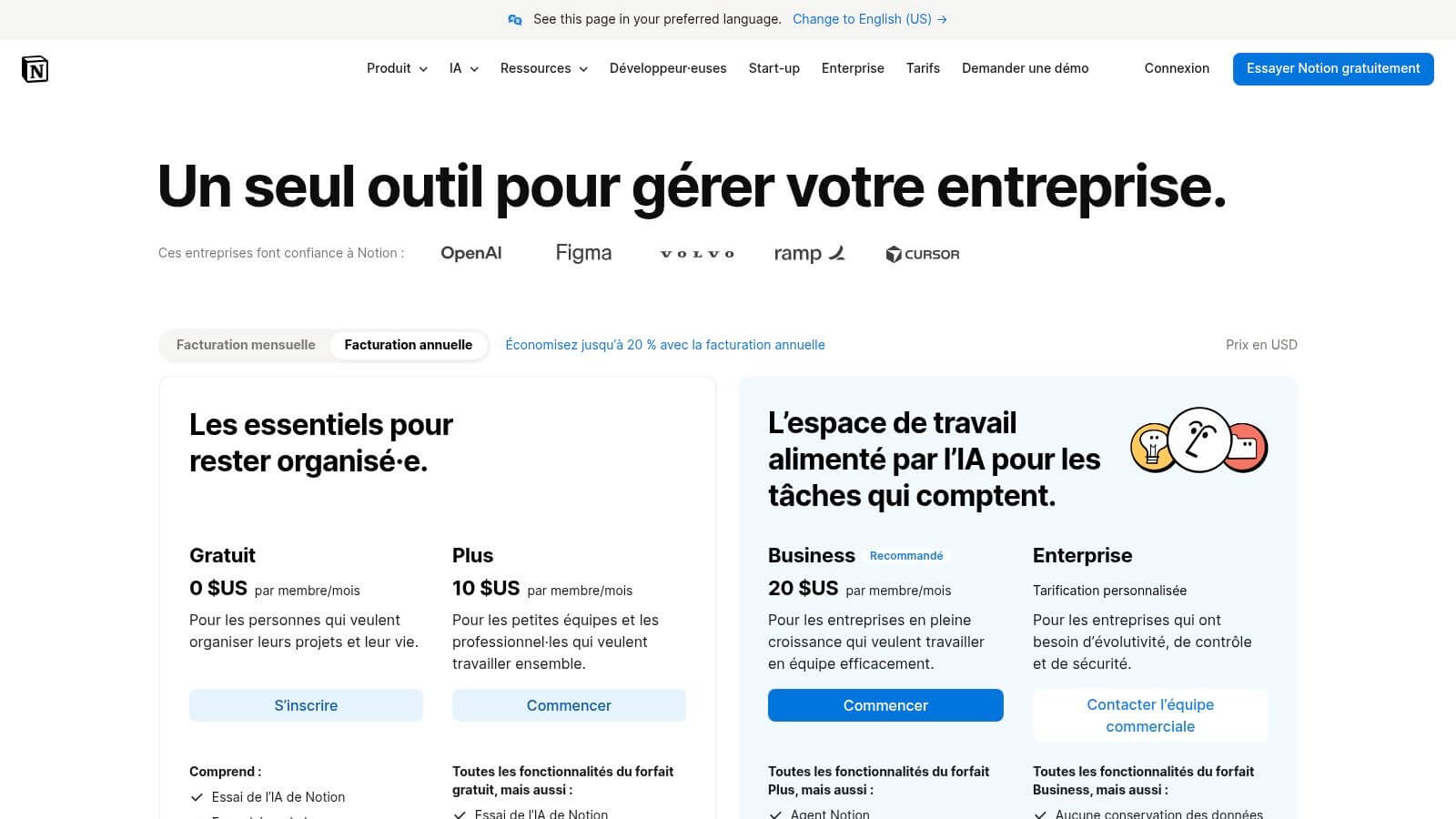
Notion pleases those who want to gather tasks and documentation. In a home care coordination, this promise has meaning. One can imagine a task base, a calendar, a page per appointment, a documentary space and home models. Few tools offer this flexibility.
This flexibility can become an advantage if your problem is not only the performance of tasks, but also the dispersion of related information. Notes, documents, instructions, lists of points to be monitored, history of questions for the doctor.
The trap of total freedom
Conception requires more design than the other tools in this list. It is not enough to open the application and start. It is necessary to decide the structure, views, permissions, level of detail. For a family already under stress, this freedom can tire more than help.
It becomes good when a person agrees to play the role of a light architect of the system. Otherwise, the space fills with pages that are not used. In the home, a less elegant but more immediate tool often prevails over a very powerful device that no one maintains.
Official site: Concept
10. Remember The Milk
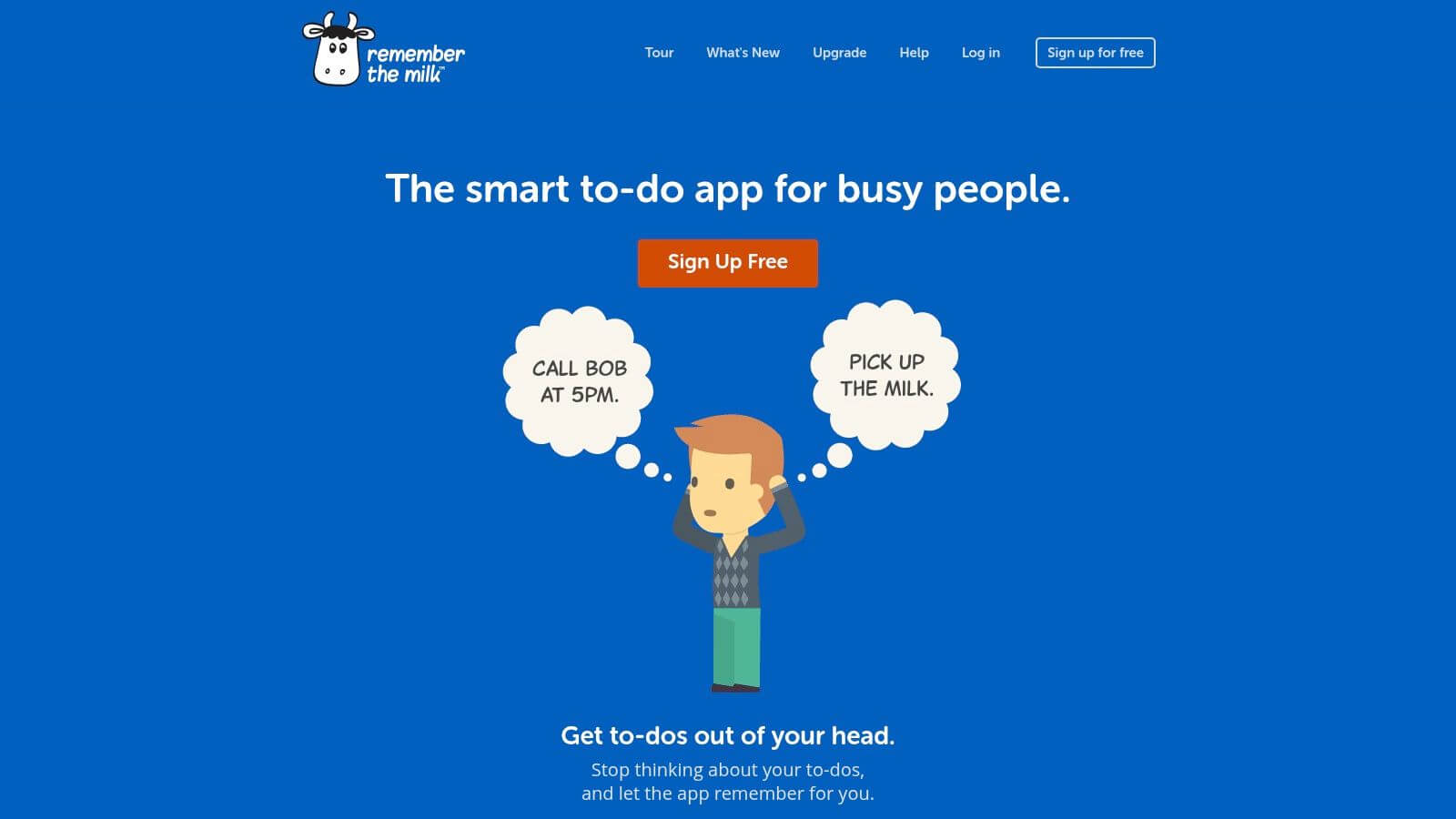
Remember The Milk has been in existence for a long time, and this is reflected in its philosophy. The tool goes to the essentials: shared lists, sub-tasks, priorities, labels, smart lists, reminders according to the plan. The interface is more classic than that of its recent competitors, but it remains fast.
For daily coordination, its interest is sobriety. If you are looking for an application shared tasks without ambition to centralize everything, it is a credible option. We create, classify, prioritize, we share.
Why he can still agree
Remember The Milk is suitable for users who want a list tool above all. It will be less attractive if you expect a very visual modern experience, rich multiple views or a wider documentary environment.
Its real advantage is elsewhere: it imposes little friction. In some families, this simplicity is worth more than a complete tool. If the rule of use is clear and everyone respects the list as a common source, the seniority of the design becomes secondary.
Official site: Remember The Milk
Comparison: 10 shared task apps
| Product | Key functions | Quality / UX ★ | Value Proposal & Unique Points | Target audience | Price |
|---|---|---|---|---|---|
| Tribulis | Signed Timed Book, Medication Tracking, Unified Calendar, Transmissions, Offline Mode | ★★★★ю, simple & reactive | HDS/GDPR (data in France), traceability, drug alerts, syntheses & export | Family caregivers + home caregivers | - Essential €0/month (-5 members); Family €5.99/month (unlimited), trial €14d |
| FamilyWall | Family calendar, lists, shopping, meal planning, wall, geoloc | ★★★ | Multi-platform Francophone interface | Family | Freemium, pay options |
| Looping (Loving Family) | Shared calendar, lists/tasks, notifications | ★★★ | European focus, notifications & simple reminders | - Families / homes | Freemium / in-app purchases |
| Todoist | Shared projects, assignments, filters, integrations | ★★★★ю, mature & performing | Large ecosystem, filters/automatics | Individual & Small Teams | Freemium; Premium (subscription) |
| Microsoft To Do | Shared lists, reminders, Outlook/365 integration | simple, native MS | Free + Microsoft 365 integration | Microsoft users / families | Free (Microsoft account) |
| TickTick | Lists/projects, integrated calendar, Pomodoro, habits | ★★★★ю, full of features | ✨ Good value for money, calendar view | Advanced users & small teams | Freemium; Premium fee |
| Any.do | Shared lists, advanced reminders (WhatsApp), calendar | ★★★ | Dedicated Family Plan, multiplatform reminders | General public families | Freemium; Premium (USD) |
| Trello | Kanban boards, maps, checklists, automations Butler | ★★★★★ | Power-Ups extended, automations | 👥 Teams & visual project management | Freemium; Standard/Premium paid |
| Concept | Pages & databases, task views, end sharing | ★★★★★s very flexible (curve) | Unified tasks + docs, fine models & permissions | 👥 Organised families & small teams | Freemium; plans paid according to use |
| Remember The Milk | Shared lists, smart lists, priorities, multi-channel recalls | ★★★☆☆, reliable & fast | proven history, multi-channel recalls | Single users & single families | Free ; Paid Pro |
Choosing the tool that holds in real life
The right choice does not start with the brand. It starts with the nature of your coordination. First step: to distinguish a need for a home from a need for care. If you want above all to distribute races, meals, trips and family presence, tools such as FamilyWall, Looping, Any.do or Microsoft To Do may suffice. If you need to follow in addition passages, transmissions, medicines or sensitive information, you need to look at stricter criteria.
Step 2: Check the assignment and the dated deadline. A useful task is not a vague intention. She has a designated official, a date and a visible status. This is especially true at home, where a "we should think about" is easily lost in conversation. The public authorities now structure home-based coordination through home-based self-help services, created to provide a "coordinated response to home-based care and assistance", with a single contact and enhanced coordination among professionals, thereby enhancing the value of a central decision-making and follow-up tool (reform of home self-government services).
Step three: test priorities and notifications with a tiny scenario. Do not judge the tool on a demonstration. Create three real tasks: a race, a presence tonight, a reminder linked to a care. Pass one as a high priority, assign the three to different people, then look at what everyone sees. The French home help guides recommend a care journal or care journal to note who has passed, when, and what has been done or not, as well as a schedule of tasks at home. This logic directly supports the interest of a shared list visible to all (organisational advice between several carers).
Step 4: Control roles, security, offline access and resynchronization. This point becomes central when professionals are added to the family circle. Secure digital usages are already well installed among professionals, with 80% use of secure health messaging among doctors in 2018 recalled in a university survey (university memory on secure health messaging). In other words, an acceptable coordination tool does not only need to be practical. It must also inspire confidence, chart actions and limit access by role.
A good application does not only reduce forgetfulness. It reduces the number of times someone has to ask what has already been done.
It is for this reason that the general category, therefore daily care, shopping and presence, often comes back to the centre of usage. These are seemingly modest tasks, but they are the ones that generate the most micro-relationships. For a home care worker or a kine, immediately see what has already been done by the family avoid unnecessary reminders and double coordination. If you compare these tools today, first look at how they behave in this real case. Then test Tribulys on a concrete situation of family tribe, not on a theoretical list.
If your subject is not just to share a checklist, but to align family and stakeholders around a loved one, Tribulys brings a time book, assigned tasks, an agenda, follow-up of drugs and clear roles in the same space. This is the most directly thought option to avoid duplicates, oblivions and the one who deals with it ?? at home. You can see how this translates into practice on Tribulys.
Put this organisation into practice with Tribulys
Keep your care journal, shared calendar, tasks, medication tracking and emergency information together. Start for free and invite the relatives and professionals involved in your loved one’s care.