
You probably already have this problem in front of you right now. A medical appointment is coming up, a home visit has a time change, a relative is asking a question in a text message, and no one knows if the information has been seen by everyone. In this context, a free shared family calendar can help, but not all tools serve the same need. Some are limited to the calendar, others add tasks, lists, or messaging, and a few solutions really aim at coordinating caregivers around a relative.
The comparison below distinguishes public calendars from tools designed for home care. You can read it with simple criteria: shared calendar, reminders, tasks, exchanges, number of members, limitations of the free version, confidentiality, and tracking of sensitive information. Keep in mind. A calendar does not always replace a care journal. Advanced functions are often paid. The best choice depends on the number of participants and the level of monitoring needed.
Table of Contents
- 1. Tribulys
- 2. FamilyWall
- 3. TimeTree
- 4. Google Calendar for the Family Group
- 5. Outlook and the Microsoft Family Calendar
- 6. FamCal, the calendar designed for family life
- 7. Cozi Family Organizer
- Comparison: 7 free shared calendars for the family
- The right choice depends on the expected level of coordination
1. Tribulys
Tribulys stands out in this comparison because it does not only handle the calendar; it handles daily coordination around a loved one. The tool centralizes the shared calendar, the care journal, medication tracking, tasks, and handover notes in one space, with role-based access for family members and professionals. For caregivers juggling messages, calls, and paper notebooks, this approach changes the way of working.
Practical rule. As soon as it's necessary to know who did what, when, and with what information, a simple calendar quickly becomes insufficient.
The Essential plan is free for life for up to 5 members, with a care journal, shared calendar, tracking of medications, vital signs, emergency information, and important contacts, according to the Tribulys website. The Family subscription goes to €5.99/month for unlimited members and adds My Visit, shared tasks, live messaging, document vault, vital signs tracking, PDF export, daily and weekly summaries, alerts in case of silence, and priority support, according to the product sheet from Tribulys. The app also indicates offline functionality for My Visit and the care journal in the Family offer.
Why Tribulys goes beyond a simple family calendar
The true differentiator is not just shared visibility. It's the traceability, time-stamped handovers, and the ability to reduce duplicates among caregivers, nurses, doctors, and home helpers. Tribulys is therefore aimed at home care usage, where a classic family calendar mainly serves to avoid forgetting an event. If your need includes treatments, visits, and relays between participants, the right level of coordination is no longer that of a basic shared calendar.
The site also highlights several usage testimonials, including that of a remote caregiver who says she consults the journal each morning to know what happened during the night, that of a nurse who mentions a handover in two minutes, and that of a wife caretaker who speaks of an evening doubt resolved. These feedbacks illustrate a concrete point. The value of such a tool is measured less by its apparent simplicity than by its ability to circulate useful information without loss.
Tribulys is particularly relevant for coordinating family caregivers, remote caregivers, and home caregivers. If you want a space that links the calendar to care, check out Tribulys.
2. FamilyWall
FamilyWall remains one of the most natural options for a family that wants a central tool without immediately entering a medico-social universe. The app features a shared calendar, shopping lists, tasks, and a messaging interface focused on family life. For a household looking primarily to end the back-and-forth between texts and scattered notes, it’s a solid foundation.
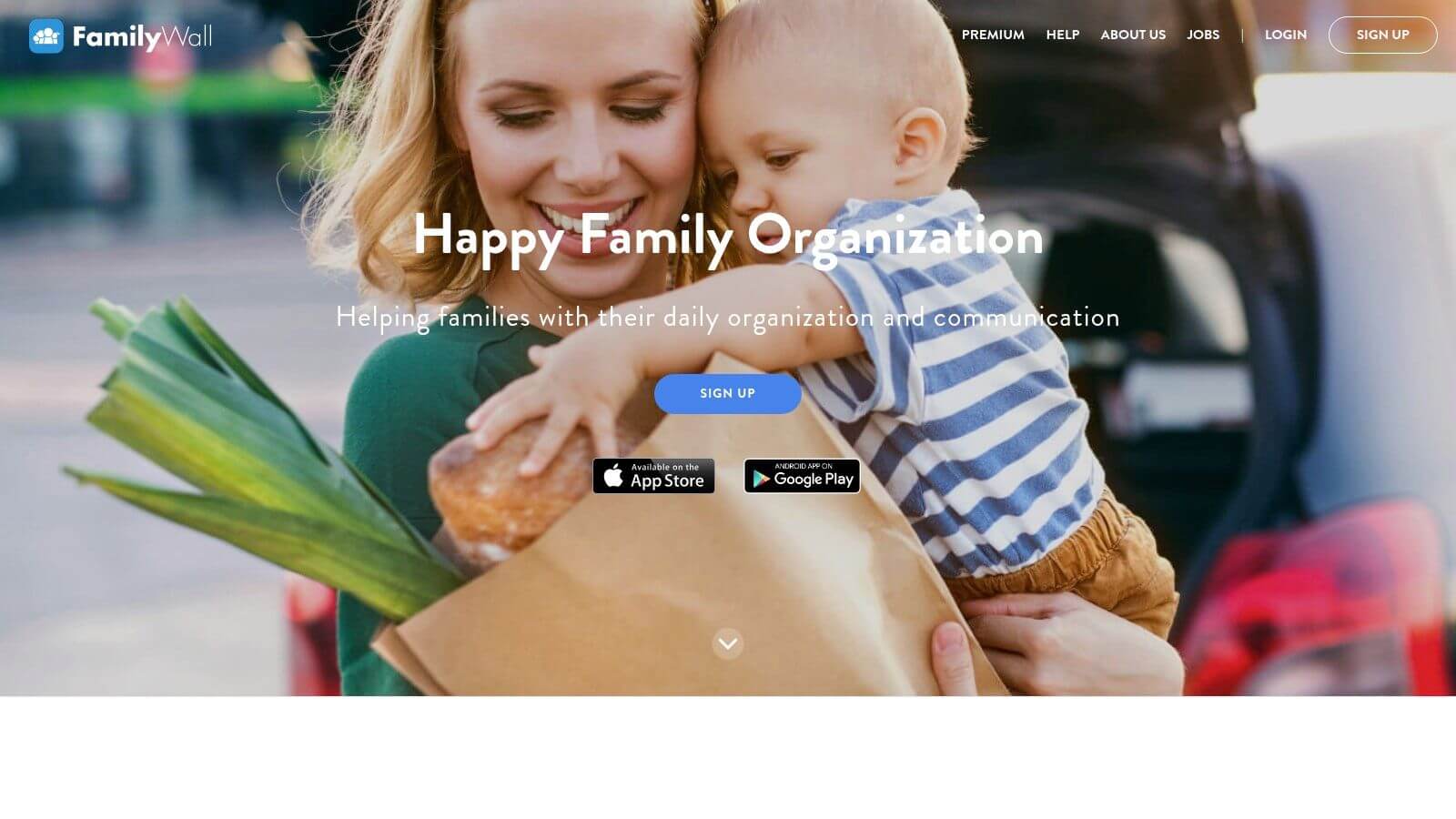
The core of FamilyWall is usable for free, but several useful functions move to Premium, notably Google and Outlook synchronization, meal planning, budget tracking, and location services, according to the service presentation. This distinction matters because a family calendar might seem complete at first, then show its limits as soon as you want to do more than just share dates.
When FamilyWall is enough, and when it shows its limits
FamilyWall works well if the family wants a single space to organize meals, tasks, and daily events. The French interface also helps when several people are not comfortable with digital tools. On the other hand, if your need relates to coordinating home care or monitoring treatments, the app is closer to a family organizer than a relay tool between caregivers and professionals.
The right criterion is not just the presence of a calendar. It is the ability to keep information alive in the right place, with the right people. FamilyWall works well for families managing daily logistics, but less so in contexts where it is necessary to track actions, handover notes, and shared responsibilities. For this second case, a tool like Tribulys takes the advantage because it structures coordination around the loved one, not just around events.
3. TimeTree
TimeTree is appealing primarily for a simple reason: it is quick to understand. You create multiple shared calendars, add events, comment, and everyone sees changes from the web or mobile. For a family juggling between school, sports, appointments, and group activities, this multi-calendar logic is more flexible than a single agenda.
The service works on a freemium model, with a Premium version that adds features like ad removal, attachments, and advanced views, according to the product description. It is useful as soon as a family group needs a common space without necessarily switching to a more specialized tool.
Good reference. If your organization consists of several small groups intersecting, TimeTree is often more readable than an overloaded single calendar.
The strength of TimeTree is its ability to separate contexts without losing the overall picture. One calendar for the children, another for the grandparents, another for activities, and comments directly associated with events. This model works very well for active families. It becomes less convincing once sensitive information needs to be recorded, handovers need to be made, or treatments must be followed.
The useful link to keep in mind
TimeTree is a good example of a tool that covers light coordination well. However, if the need shifts toward home care, medical treatments, or distributed roles, one needs to look beyond the social calendar. A good starting point is also the guide from Tribulys on which shared calendar to choose, as it helps distinguish simple family use from more structured coordination.
4. Google Agenda for the Family Group
Google Agenda remains the most straightforward option for a family wanting a free family shared calendar without changing ecosystems. When a Google family group is created, a Family calendar is automatically generated and visible to all members, and it is also possible to share other Google calendars with the group. It is simple, fast, and already integrated into Gmail and Meet.
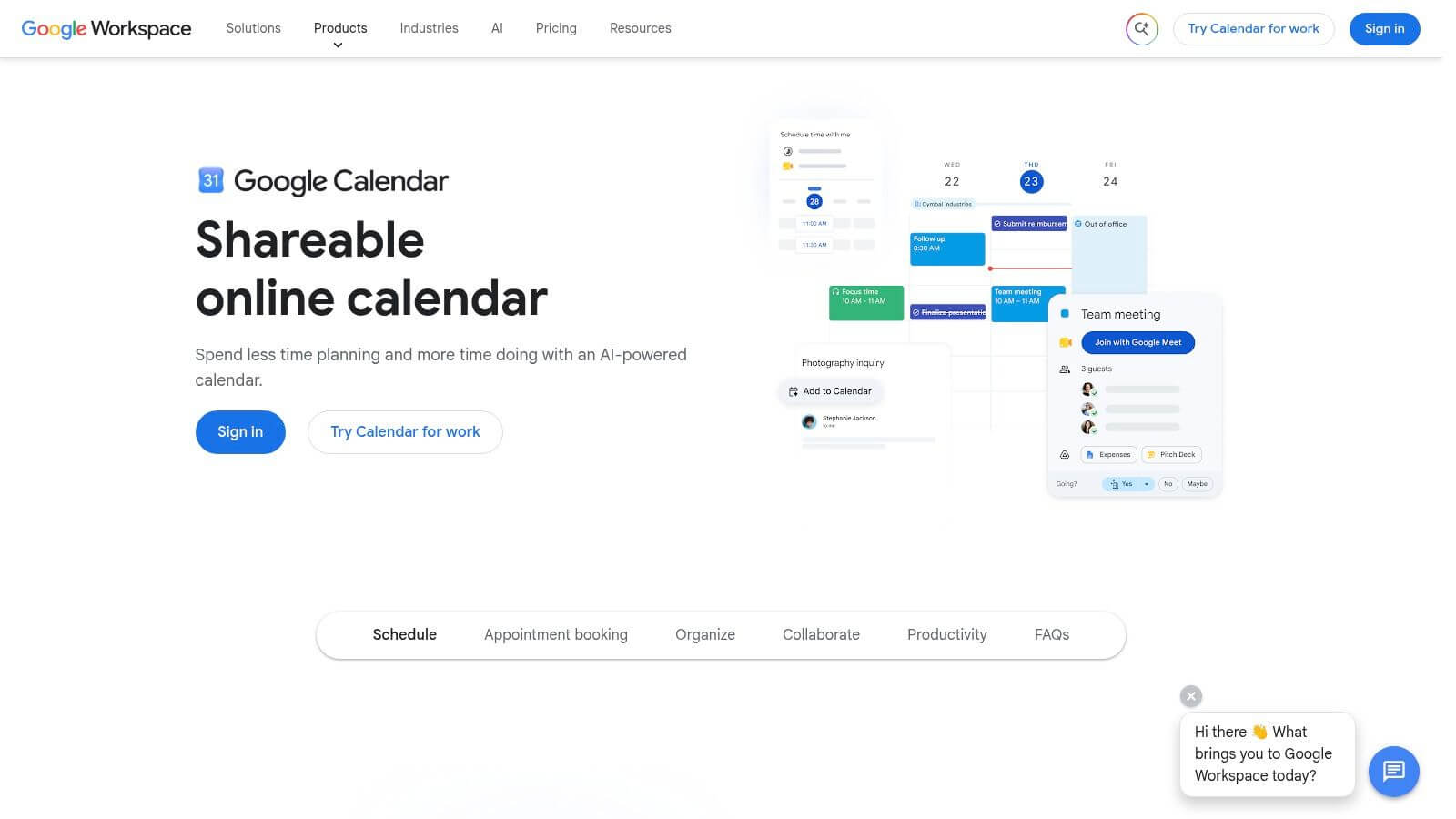
The main interest of Google Agenda lies in its interoperability. If a family is already using Android, Gmail, or other Google services, adoption is almost immediate. However, everyone must have a Google account, and some families hesitate for privacy reasons or for dependency on a single digital environment.
The right choice for a well-equipped family
Google Agenda is very suitable when the goal is to have a common calendar, period. Notifications, sharing, and multi-device synchronization are sufficient for school, leisure, or family visits. The service is less suitable if you are looking for a tracking structure around a vulnerable loved one, as it does not naturally provide the task, handover, or professional role logics that home care requires.
The Tribulys site also offers an article dedicated to the family shared calendar, useful for understanding where the public calendar ends and where caregiver coordination begins. For families already living in the Google ecosystem, the Mountain View tool is often the simplest. For more sensitive coordination needs, it remains a starting point, not necessarily the final tool.
Professional email management and migration
5. Outlook and the Microsoft Family Calendar
The Microsoft family calendar operates on a similar logic. By creating a family group via Microsoft, Outlook.com automatically generates a shared calendar for all members. The whole integrates well with Outlook, Office, and Microsoft Family Safety, which especially interests households already settled in this ecosystem.
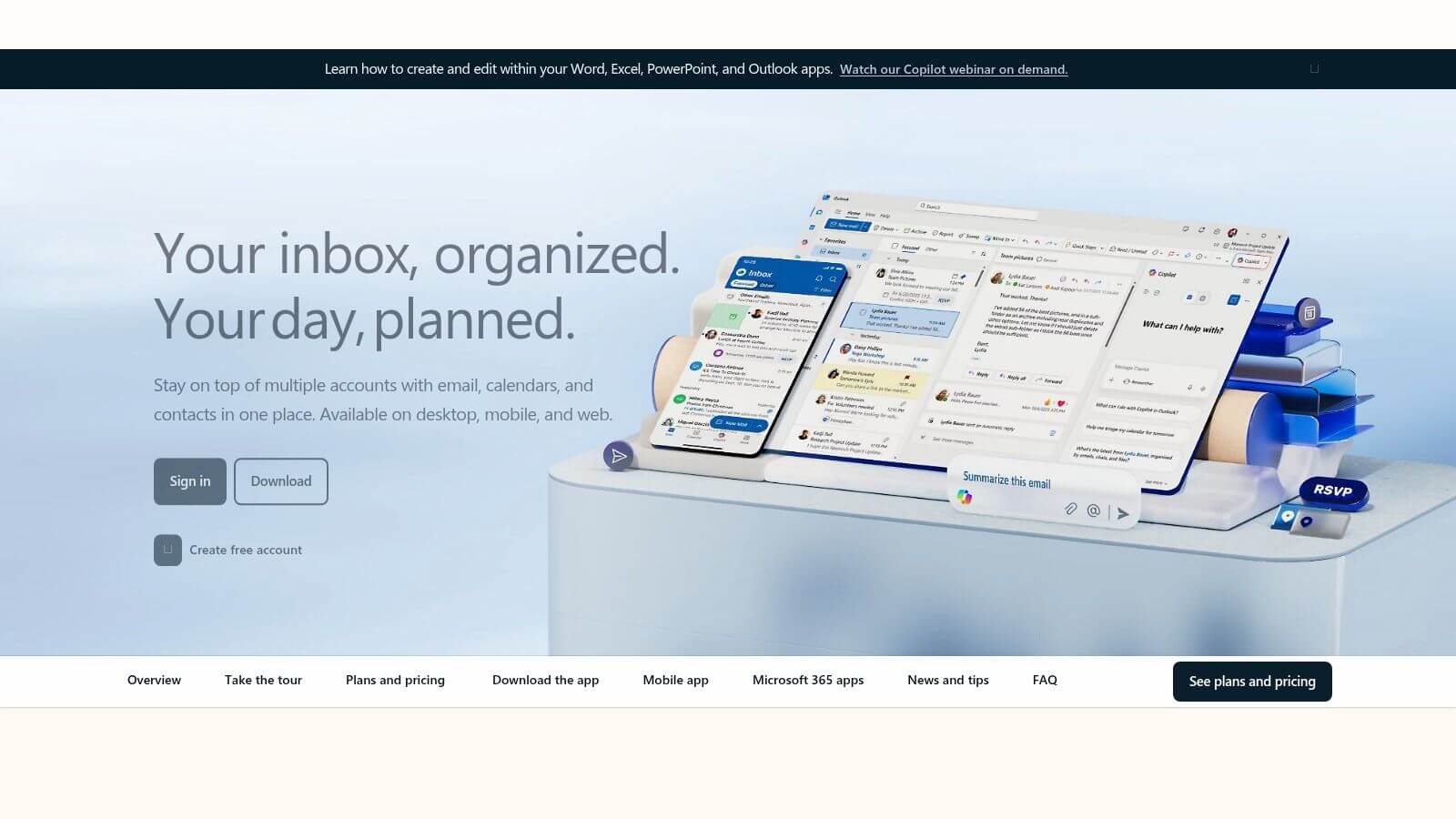
The advantage is quite clear. If the family is already using Outlook for work or messaging, the family calendar does not require heavy learning. The downside is equally clear. All members must have a Microsoft account, and the tool remains focused on the calendar, not on the detailed coordination of daily life.
A good option for families already in Microsoft
Outlook works very well for the family who wants a stable, readable, and connected common calendar. It becomes more limited as soon as one seeks native shared lists, distributed tasks, or precise tracking of care information. In practice, it serves as a foundation, not as an operational center.
In a very organized family, Outlook prevents double appointments and centralizes events. In a family coordinating home visits, this is often not enough. That is where the difference between a shared calendar and a coordination tool becomes important, because the need is no longer just to see a date, but to know who did what and with what level of information.
6. FamCal, the calendar designed for family life
FamCal is more of a dedicated family organizer than a generic calendar. It features a shared calendar, tasks, shopping lists, memos, and tracking for special days such as birthdays. It is well-suited for families looking to move away from the duo of SMS and paper without transitioning to a heavier suite.
The service is available on iOS, Android, and via a web portal. A free version exists, with in-app purchases and premium offers depending on the store. Getting started is simple, but not all useful features are accessible in the basic version.
What it does well, what it does not
FamCal stands out for its direct handling and clearly family-oriented positioning. It does not require Google or Microsoft accounts, which reassures households that prefer to keep their usage separate. It remains readable for those who want to track events, tasks, and a few notes in one place.
Unlike a care coordination tool, FamCal does not offer structured traceability of actions or fine role separation. The needs related to home care also require better management of sensitive information and more precise circulation between caregivers. FamCal is suitable for organized family life, but it quickly reaches its limits once it needs to coordinate visits, share instructions, or maintain an actionable history.
This point is particularly important when multiple people are involved with the same loved one. A family calendar is enough to avoid double bookings. It becomes less suitable as soon as it is necessary to know who noted what, who did what, and in what context. For this type of use, a tool focused on coordination provides a clearer framework than scattered memos.
Point of vigilance. The more general a family tool remains, the more one must define the follow-up rules themselves.
7. Cozi Family Organizer
Among the proven family organizers, Cozi stands out more for its longevity rather than its innovation. The tool combines a shared calendar, shopping lists, to-dos, recipes, and a meal planner on the web and mobile. For a family wanting to centralize daily life in a stable tool, it remains relevant.
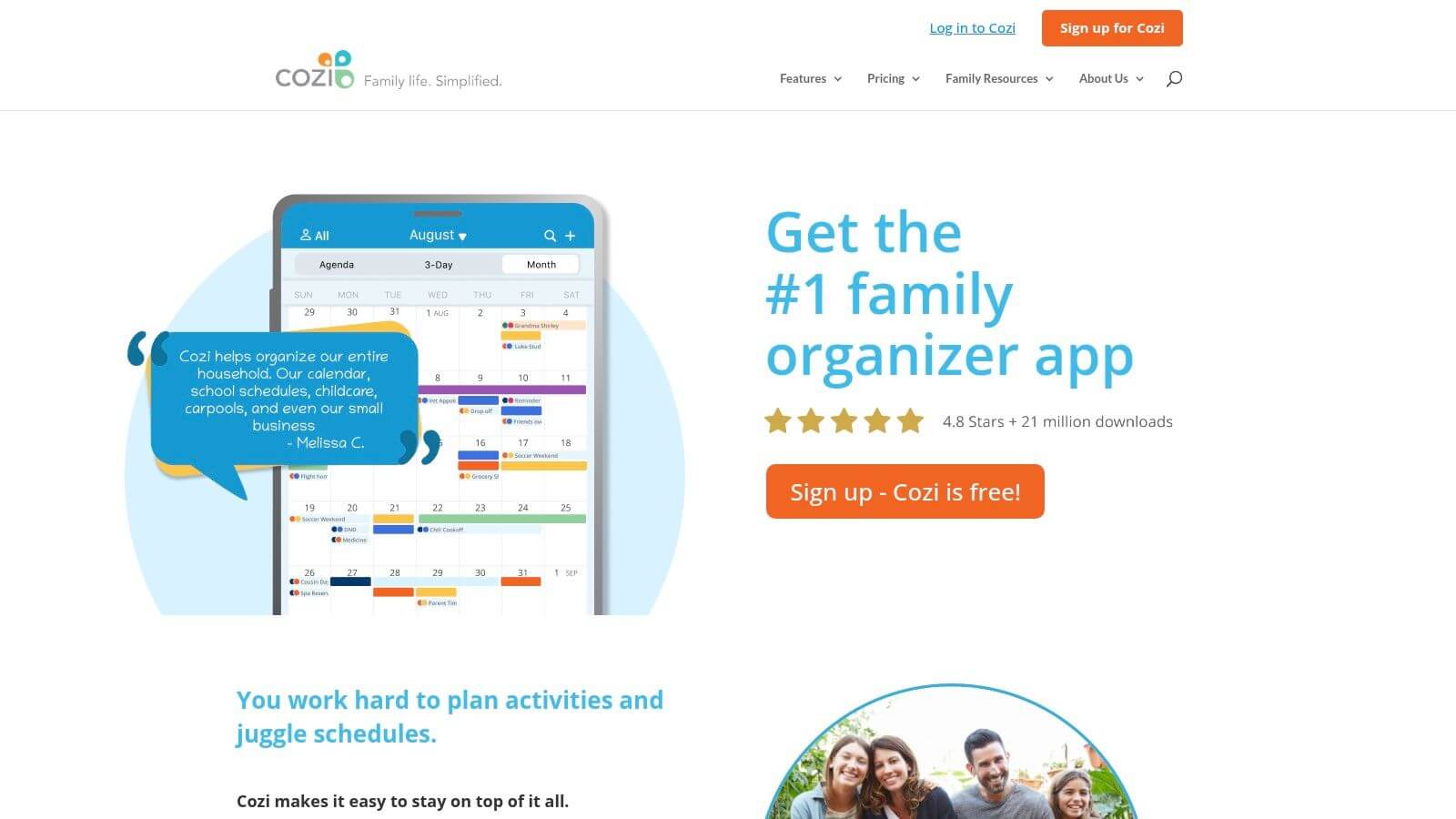
The free plan covers the essentials. The Gold and Max plans add advanced features and remove ads. Cozi is therefore suitable for simple family organization, provided that you accept the interface and the site are mainly in English.
A good organizer, not a medical liaison tool
Cozi works well when the priority is family life, meals, and shared lists. Its benefit lies in consolidating multiple uses in a single application, rather than multiplying separate tools. For a household, this already reduces information dispersion.
As soon as coordination involves home care, the transmission of sensitive information, or the monitoring of treatments, the positioning becomes more limited. The Tribulys guide on the free professional shared calendar illustrates why certain uses require a more precise framework than a family organizer. Beyond daily family life, the documentary and historical coordination of interventions requires a structure that Cozi does not provide.
Comparison: 7 free shared calendars for families
| Product | Implementation Complexity 🔄 | Resources Required ⚡ | Expected Outcomes 📊 | Ideal Use Cases | Key Benefits ⭐ / Tip 💡 |
|---|---|---|---|---|---|
| Tribulys | Low 🔄, simple configuration, role management | Mobile app + web; Family subscription for advanced features (5.99€/month), EU hosting | Fine traceability, reduction of medication errors, continuity of care 📊 | Coordinating caregivers, home caregivers, medication monitoring | ⭐ Centralization and RGPD compliance; 💡 try the 14-day Family trial |
| FamilyWall | Low 🔄, direct handling | Mobile app + web; Premium modules for sync and meals ⚡ | Daily family organization, shared lists 📊 | Families seeking an all-in-one app focused on "family" | ⭐ French interface; 💡 start with the free version |
| TimeTree | Very low 🔄, intuitive interface | iOS/Android apps + web; freemium model ⚡ | Multi-calendar coordination and event communication 📊 | Families, couples, groups with multiple agendas | ⭐ Quick setup; 💡 upgrade to Premium to remove ads and attachments |
| Google Calendar (Family Calendar) | Very low 🔄, auto-creation of family calendar | Google account required; web + apps; wide integration ⚡ | Simple sharing, high interoperability with the Google ecosystem 📊 | Users of the Google ecosystem looking for a free solution | ⭐ Free and highly interoperable; 💡 check privacy/hosting issues |
| Outlook / Microsoft Family Calendar | Very low 🔄, auto-generated via Microsoft family group | Microsoft accounts required; Outlook/Office and Family Safety integration ⚡ | Family calendar synchronized with Microsoft tools 📊 | Families already in the Microsoft/Outlook ecosystem | ⭐ Strong Office integration; 💡 ideal if the family already uses Microsoft |
| FamCal – Shared Family Calendar | Low 🔄, dedicated to family needs | Mobile apps + web portal; in-app purchases/subscription for advanced features ⚡ | Calendar, tasks, shopping lists, and memos synchronized 📊 | Families wanting a dedicated app without relying on Google/Microsoft | ⭐ Designed for families; 💡 check paid features before subscribing |
| Cozi Family Organizer | Low-medium 🔄, functional richness to configure | Web + apps; paid plans (Gold/Max) for advanced features ⚡ | Complete organizer: calendar, to-dos, recipes, and meal planning 📊 | Families looking for meal planning and integrated recipes | ⭐ Veteran of the segment with a large user base; 💡 mainly English interface |
The right choice depends on the expected level of coordination
The choice becomes simpler when separating light family use and coordination around a relative. If you first want a free calendar integrated into your environment, Google Calendar or Outlook are the most direct options. If you want to combine calendar, lists, and daily organization, FamilyWall, FamCal, TimeTree, or Cozi offer a more family-oriented and practical layer for day-to-day.
If your needs exceed the calendar and touch on the relay between caregivers and professionals, Tribulys takes a different place. The tool centralizes the agenda, handover notes, medication monitoring, and traceability, which better addresses situations of home care. This is precisely what generalist agendas cover poorly.
Before deciding, keep a simple framework. Count the members who need access to the information. List appointments and visits to coordinate. Check essential reminders, especially for treatments and visits. Identify sensitive data that should not circulate everywhere. Test the limits of the free plan before inviting the whole family.
The Essential plan of Tribulys is free for life for up to 5 members, which makes it a real entry point for a family wanting to structure coordination without immediate cost. If your needs grow, the Family subscription adds features designed for relays, handovers, and more comprehensive monitoring. For a simple calendar, generalist tools are often sufficient. For reliable coordination around a relative, a sturdier framework is needed.
If you are looking for a free family shared calendar that goes beyond events and reminders, Tribulys deserves a try. The solution centralizes the agenda, handovers, treatments, and roles in a unique space, useful when several relatives and caregivers need to stay aligned. Discover Tribulys and check if the free plan already covers your way of coordinating daily life.
Put this organisation into practice with Tribulys
Keep your care journal, shared calendar, tasks, medication tracking and emergency information together. Start for free and invite the relatives and professionals involved in your loved one’s care.